%20250px.png)
Reset password for Remote Desktop Access
Open a web browser and navigate to https://user.itsupport247.net
-
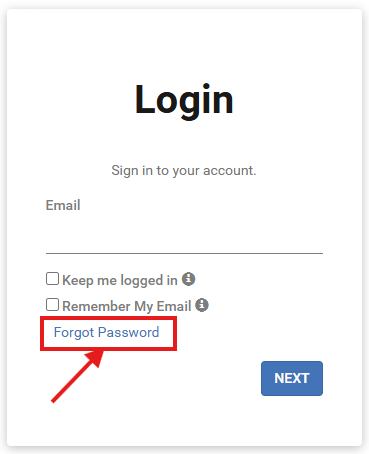
On the login screen, click the Forgot password link.
Enter your work email address and click Submit.
Check your work email inbox for a new message with a reset link and instructions.